

Proformas
A proforma asks a customer to pay before the goods go, for example a new account or a large special order.
A proforma is not a VAT invoice. The VAT invoice follows when the goods are supplied, and what was paid on the proforma is taken off it.
Make a proforma
Section titled “Make a proforma”Save the order first: a proforma is made from its saved lines. Then, on the sale’s Proformas tab, choose what to ask for:
- Deposit…: a percentage of what’s still to invoice, split across its VAT rates. The rest of the order can have its own proforma later, less this deposit.
- Chosen lines…: how much of each line to ask for now, up to what’s still to invoice.
You get a draft proforma. Check it, then select Issue and send it like any other document.
Record the payment
Section titled “Record the payment”When the money arrives, open the proforma and select Record payment…. Use Void payment if one was recorded by mistake; it stays listed, so there’s a record.
When the goods are invoiced
Section titled “When the goods are invoiced”The invoice for the order takes off what was paid on its proformas.
Cancel a proforma
Section titled “Cancel a proforma”A proforma with no payments on it can be cancelled. It keeps its number and stays listed, marked cancelled, with the reason.
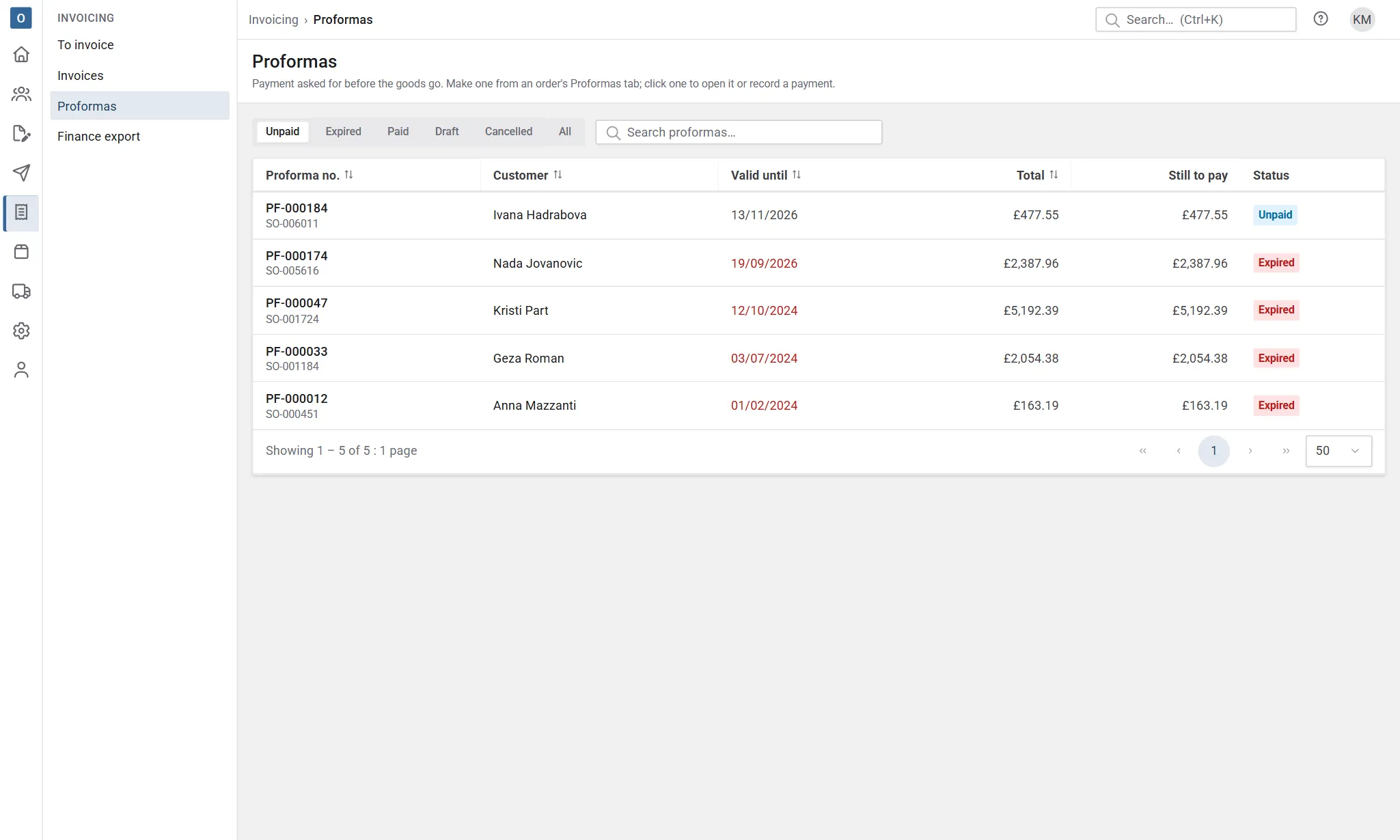
Invoicing → Proformas lists them all.