

Purchase orders
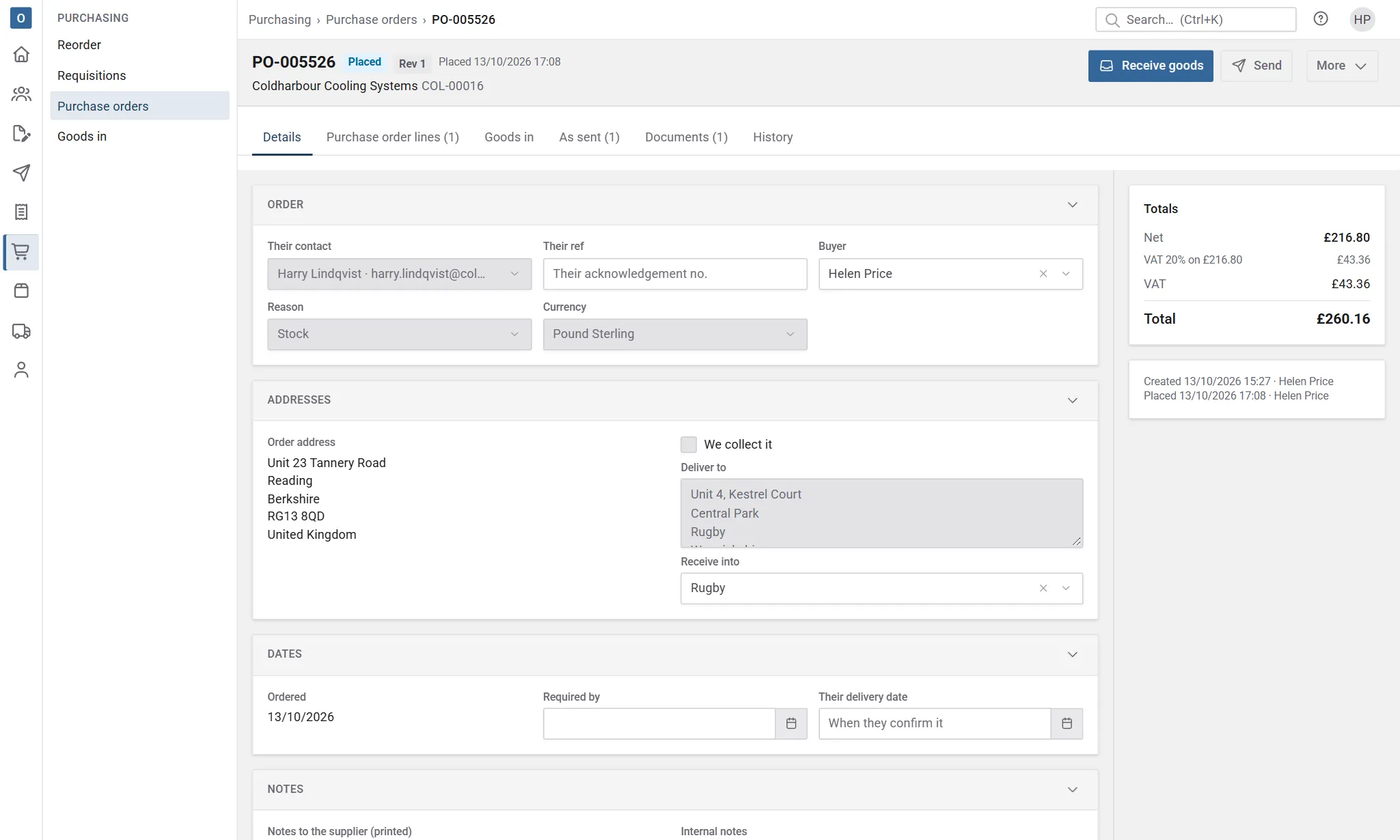
A purchase order (PO) is for one supplier, with priced lines, a delivery address and a required date. It gets its number as soon as it’s created.
Create a purchase order
Section titled “Create a purchase order”Purchase orders are made from requisitions, the reorder worksheet, or an order that’s short. To make one by hand:
- In Purchasing → Purchase orders, start a new one and choose the supplier.
- Add products. Each line picks up the supplier’s part number and last price. You can buy services too, such as subcontracted installation; they show no stock figures.
- Check the delivery address: yours, or a customer’s if the supplier is delivering straight to them.
- Save.
If the supplier works in another currency, the rate comes from Administration → Currencies when you save.
Approval
Section titled “Approval”If your company approves purchase orders, a draft PO shows Needs approval and can’t be placed until it’s approved. Depending on your company’s setup, that’s every PO, or only those over an approval amount (net, in your home currency).
Someone who can approve orders opens it and selects Approve. If you can’t approve, the PO says to ask someone who can.
If an approved draft changes so its total is different, it needs approving again.
Place the order
Section titled “Place the order”Select Place order. Placing keeps the PO’s PDF, and you can email it to the supplier. After that, what’s ordered changes only through amendments.
The goods now count as on order, so they show on the worksheet, on product stock and in despatch as due in.
When the supplier confirms, record their acknowledgement number and confirmed date. You’re warned if they confirm a date later than you need.
Amend a placed order
Section titled “Amend a placed order”- Select More → Amend.
- Change what you need.
- Select Send amendment.
The order becomes the next revision, and its PDF is kept. Show what was sent shows any earlier version.
Other actions
Section titled “Other actions”All under More:
| Action | What it does |
|---|---|
| Close with some not received… | For when nothing more is coming. What’s still outstanding stops counting as on order. |
| Cancel order… | Cancels an order that won’t go ahead, with a reason. Let the supplier know. |
| Copy to a new draft | Starts a new purchase order from this one. |
| Delete draft | Removes a draft that hasn’t been placed. |
| Discard amendment | Throws away an amendment you haven’t sent. |
Receive the goods
Section titled “Receive the goods”When goods arrive, book them in. See Goods in.