

Goods in
Purchasing → Goods in is the warehouse’s list of placed orders with something still to come, soonest due first. Overdue ones are shown in red.
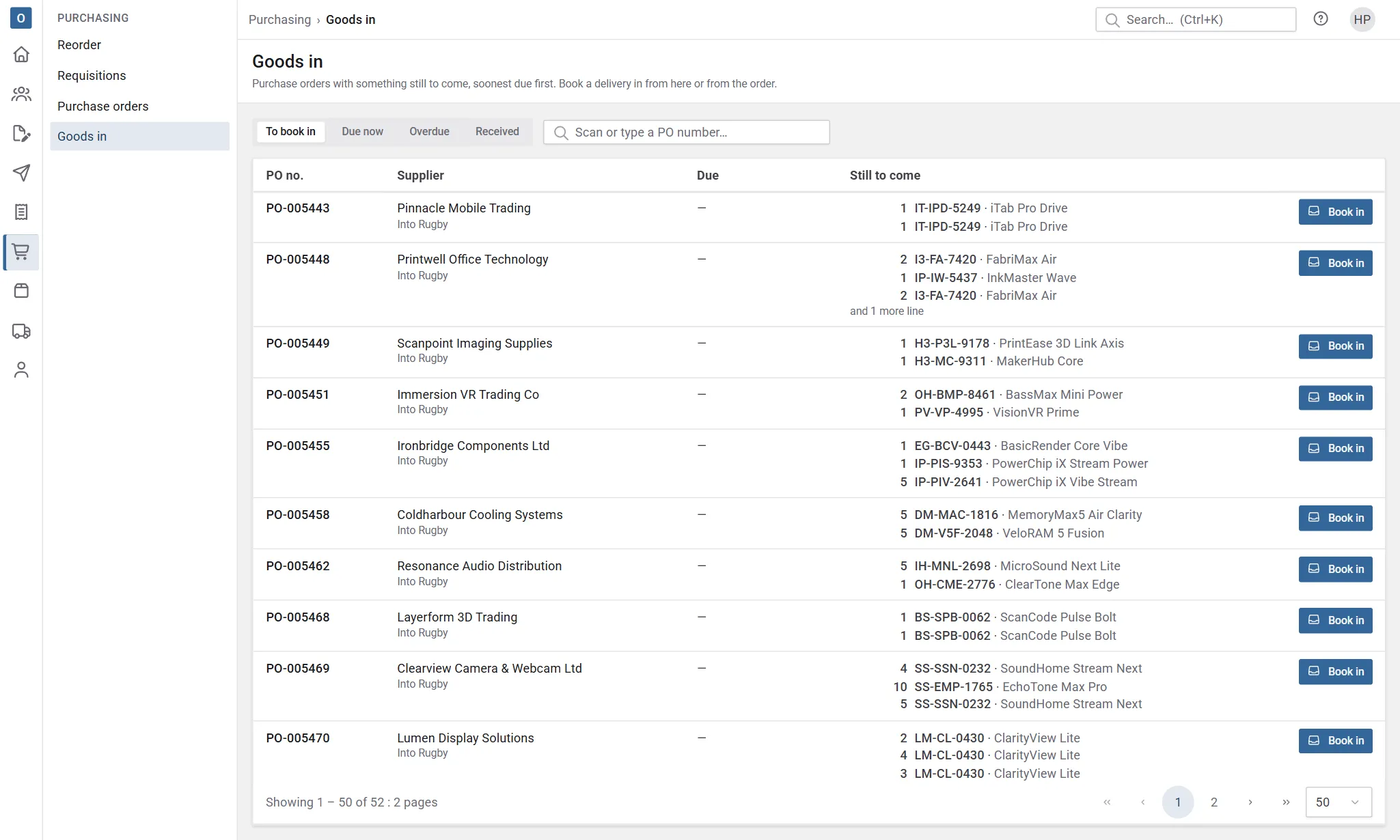
Views: To book in, Due now, Overdue, and Received for what’s already been booked in.
Find the order
Section titled “Find the order”Scan or type the PO number, or the supplier’s reference, in the search. If one open order matches exactly, pressing Enter takes you straight to booking it in. A barcode scanner works the same way.
You can also search by supplier or by a product code, yours or theirs.
Book in
Section titled “Book in”- Select Book in on the order.
- For each line, enter what arrived and which stock location it’s going into. Clear a line to leave it for a later delivery.
- Add the supplier’s delivery note number and any notes, such as damage or part boxes.
- Select Book in.
The stock goes into its locations straight away, and the order shows what’s still to come. Services and non-stock lines are marked as received without going into stock.
Depending on your settings, quantities start filled in with everything still to come, or blank.
If more arrives than was ordered, Customry One refuses, warns you, or lets it through, depending on your company’s setting.
Goods received note
Section titled “Goods received note”Once booked in, you can print a goods received note (GRN) to check off and put away. Earlier receipts for the order are listed on the Book in page, each with its own print button.
Mistakes
Section titled “Mistakes”A receipt booked in by mistake can be reversed: select Reverse… next to it on the order’s Goods in tab. The stock comes back out, the line returns to “still to come”, and the receipt stays listed, marked reversed.